



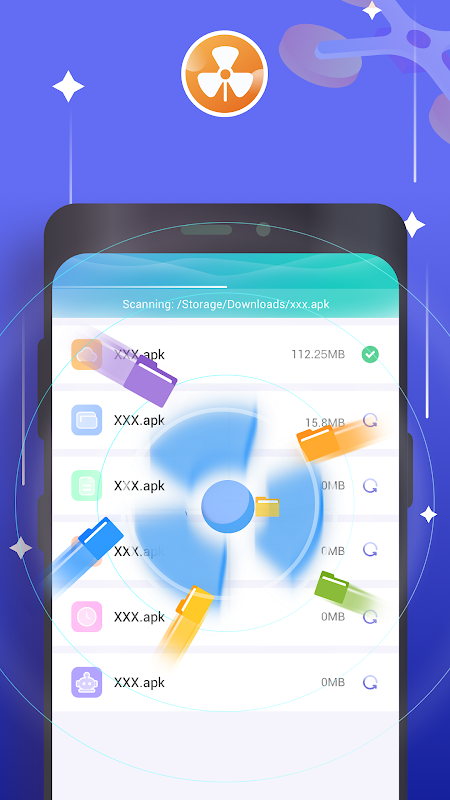

Smart Clean offers Android users a streamlined solution for maintaining optimal device performance through intelligent cleaning and organization tools. This application helps reclaim valuable storage space while improving system responsiveness with minimal user effort. It’s particularly valuable for users managing limited storage capacity or those seeking to maintain their device’s efficiency without technical expertise. Regular smartphone users who frequently download apps and media will find this tool especially beneficial for their daily maintenance routine.
Intelligent Storage Management System
The application automatically scans your device to identify redundant files, cache buildup, and residual data from uninstalled applications. Its sophisticated algorithm distinguishes between essential system files and disposable content to prevent accidental deletion of important information. Users can schedule regular cleanings or perform manual scans depending on their preference and usage patterns.
Memory Boosting Technology
Smart Clean includes specialized features to optimize RAM usage and improve overall system performance. The memory booster function clears background processes that may be consuming resources without providing active value. This results in faster app loading times and smoother multitasking capabilities, particularly beneficial when running resource-intensive applications or games.
Duplicate File Detection
This functionality identifies identical photos, documents, and other files that accumulate over time through downloads and sharing activities. The smart comparison technology recognizes files with different names but identical content, helping eliminate unnecessary duplicates. This feature preserves original files while removing copies, ensuring no important data is lost during the cleaning process.
Application Management Tools
Beyond basic cleaning, the app provides comprehensive tools for managing installed applications. Users can analyze storage consumption per app and identify which programs are using disproportionate space. The batch uninstall feature enables efficient removal of multiple unwanted applications simultaneously, saving time during device maintenance sessions.
Privacy Protection Features
Smart Clean includes specialized privacy cleaning options that remove browsing history, search records, and other sensitive data from various applications. This ensures your digital footprint remains minimal and personal information doesn’t accumulate unnecessarily. The privacy cleaner works across multiple browsers and applications for comprehensive coverage.
Storage Analysis and Visualization
The application provides detailed visual reports showing exactly how your storage space is being utilized across different file categories. These easy-to-understand charts and graphs help users make informed decisions about what content to keep or remove. Understanding storage distribution enables more strategic management of available space on your device.
Frequently Asked Questions
The application uses advanced recognition algorithms to distinguish between system files, personal data, and disposable cache files. It automatically excludes protected directories and important file types from cleaning operations unless specifically instructed otherwise by the user.
Yes, the application allows users to create custom cleaning profiles that include or exclude specific file types, folders, and applications. These preferences are saved for future cleaning sessions, ensuring the app only removes content you actually want deleted.
All core cleaning and optimization functions operate completely offline since they process local device storage. Internet connection is only required for initial download and occasional feature updates from the developer, not for daily cleaning operations.